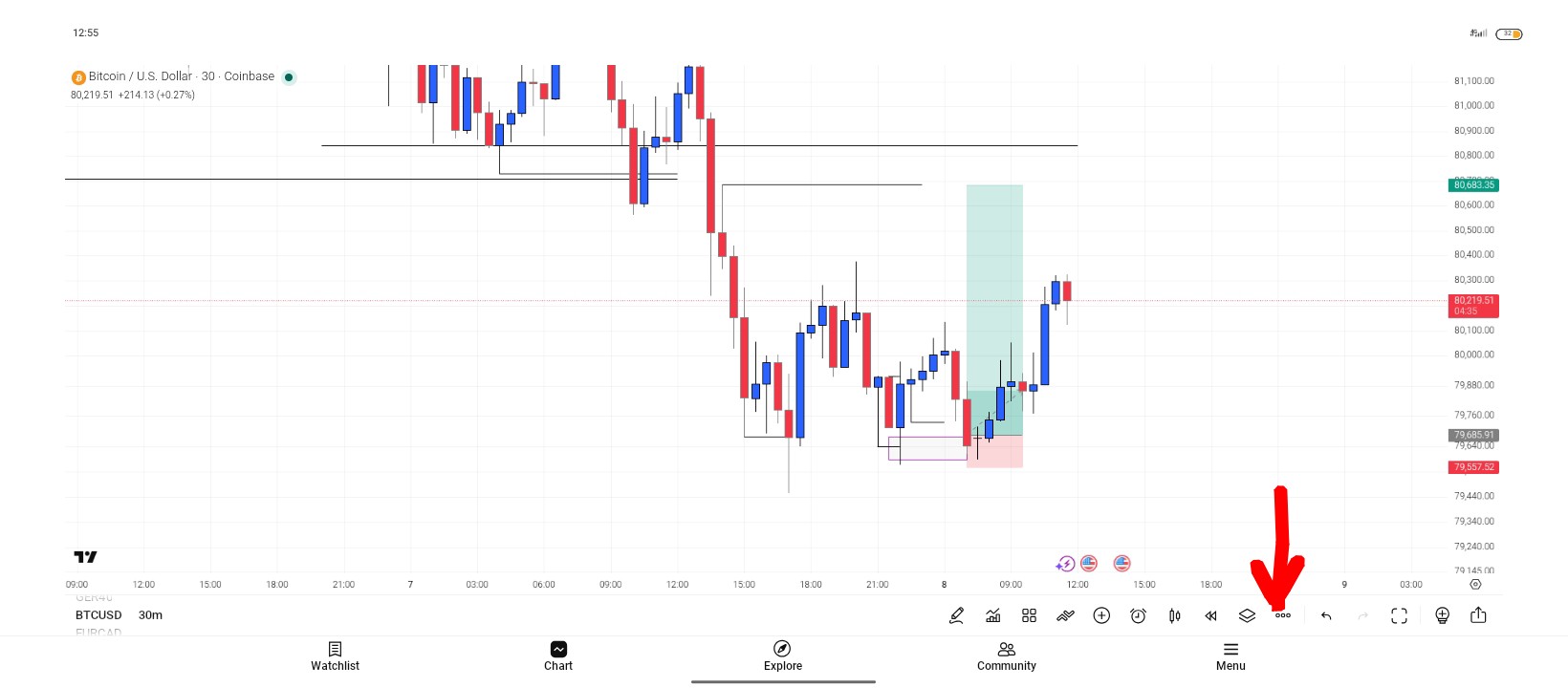
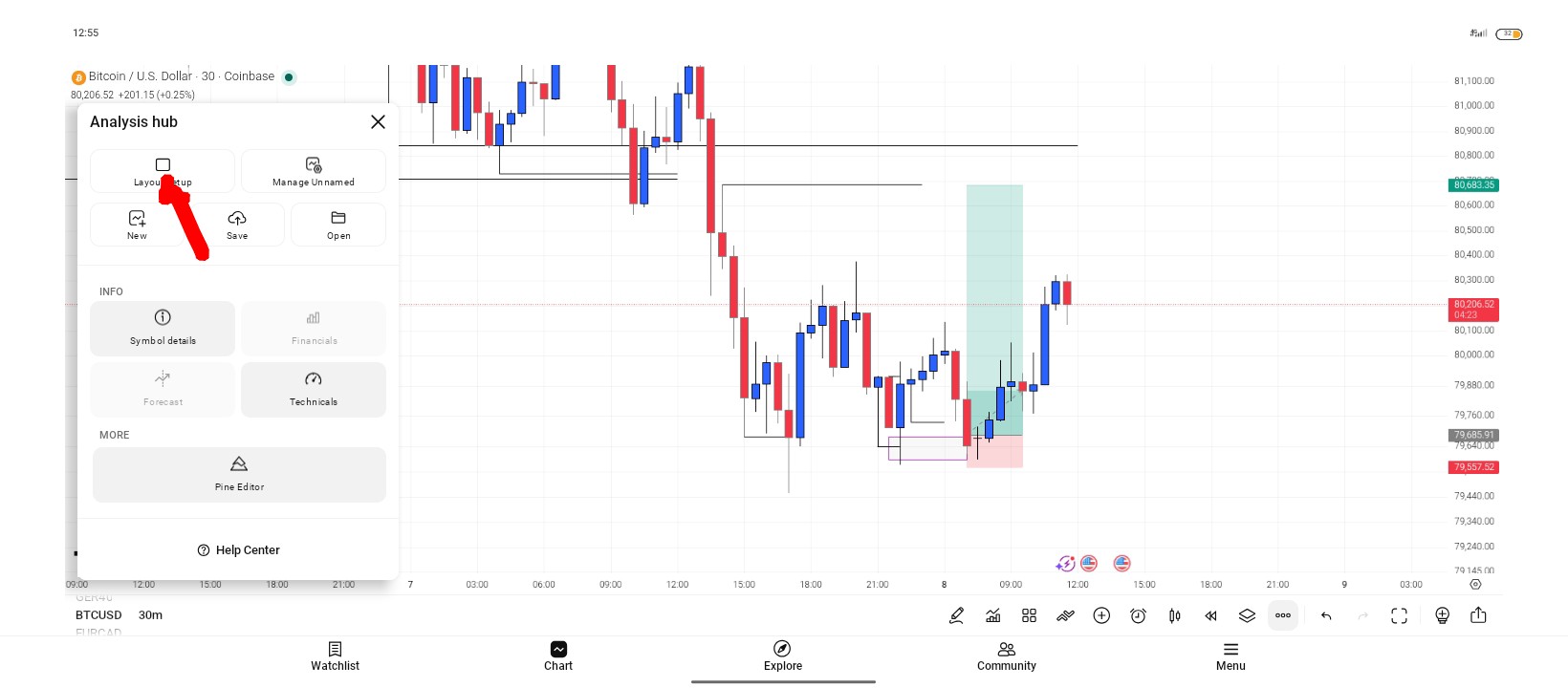
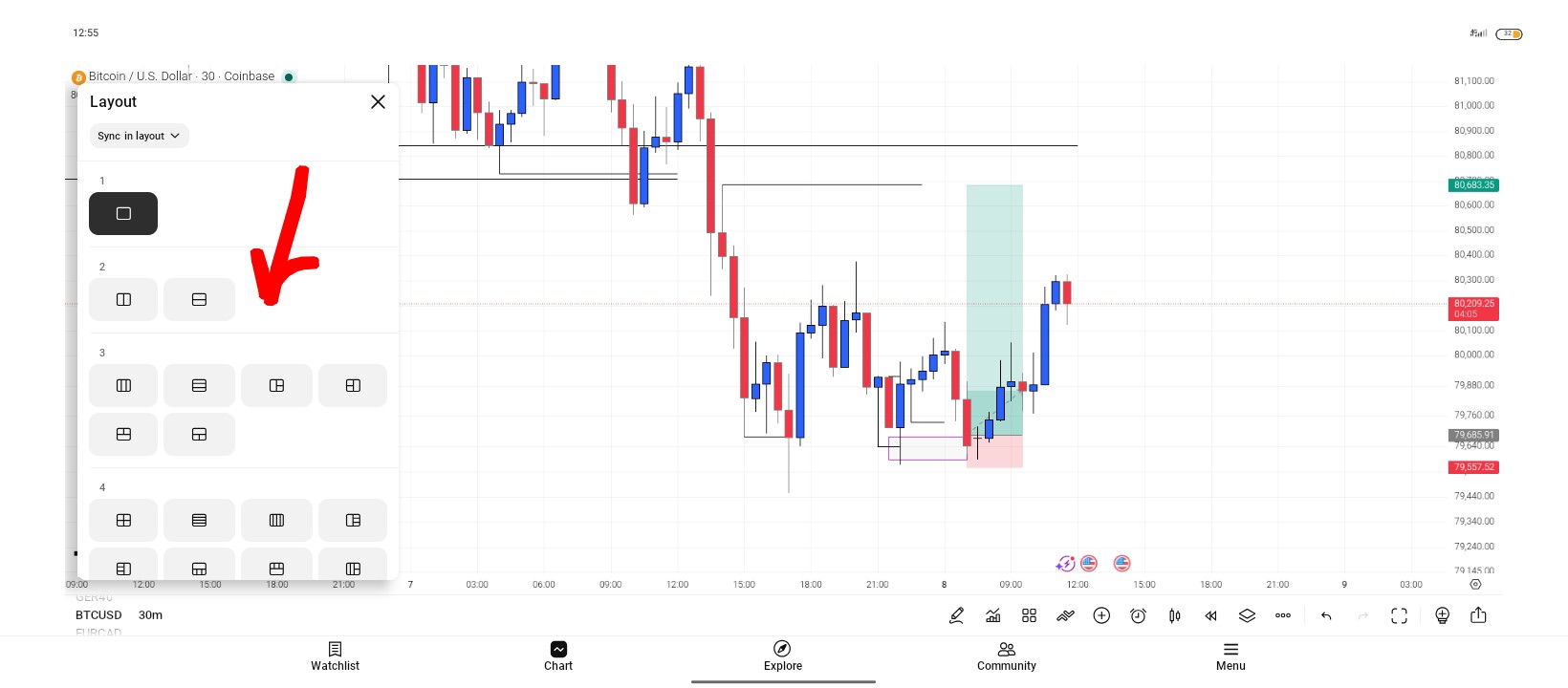
On TradingView, here's the quick way to switch to multi-chart view:
- Open any chart.
- Look at the top toolbar, find the grid icon (it looks like small squares/rectangles, near the timeframe or layout name).
- Click it and select your preferred layout (2 charts, 3, 4, etc.).