To connect your Exness account to MT5 on your laptop:
1. Log into your Exness Personal Area.
2. Go to My Accounts → select your MT5 account.
3. Check the server name shown (e.g. Exness-MT5Real, Exness-MT5Real6, etc.).
In MT5:
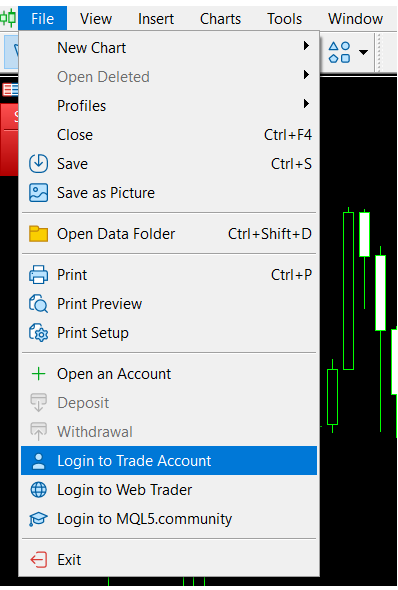
- Click File → Login to Trade Account.
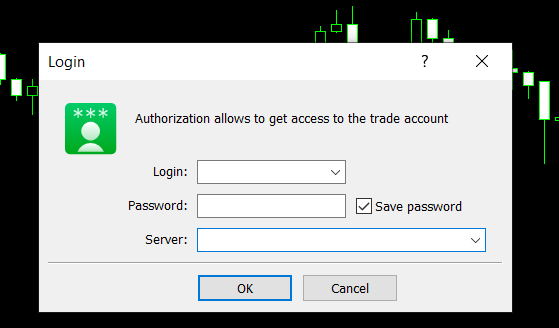
- Enter your Login (account number), Password, and select the exact server from the list (type “Exness” to filter if needed).
Tip: If the server doesn’t appear, go to File → Open an Account, search “Exness”, then choose the matching one.
That should connect you successfully. Let me know if you get an error.