How do I open a demo account on TradingView?
Can someone please explain the fastest way to open a demo account on TradingView without registering with any broker?

Hi Morris,

To use the TradingView demo account feature you don't need to pass through any forex broker but remember that the demo account expires after a while. just take the following steps to use the TradingView demo account for free:

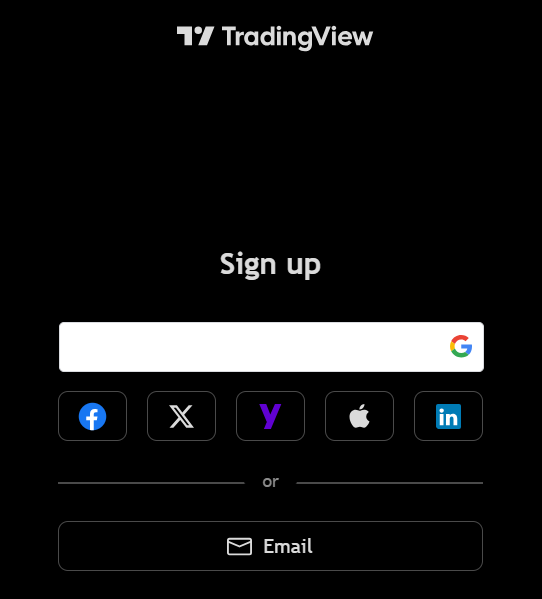
Step 1: Signup to TradingView

Go to the TradingView website and click on "Get Started" you will be asked to sign in with either your Google profile, Apple profile, Linkedin profile etc.

The easiest way for me is to signup through my Google profile so once you select the signup method, it takes you straight into the TradingView area.

Quoted - arthur_wildberry

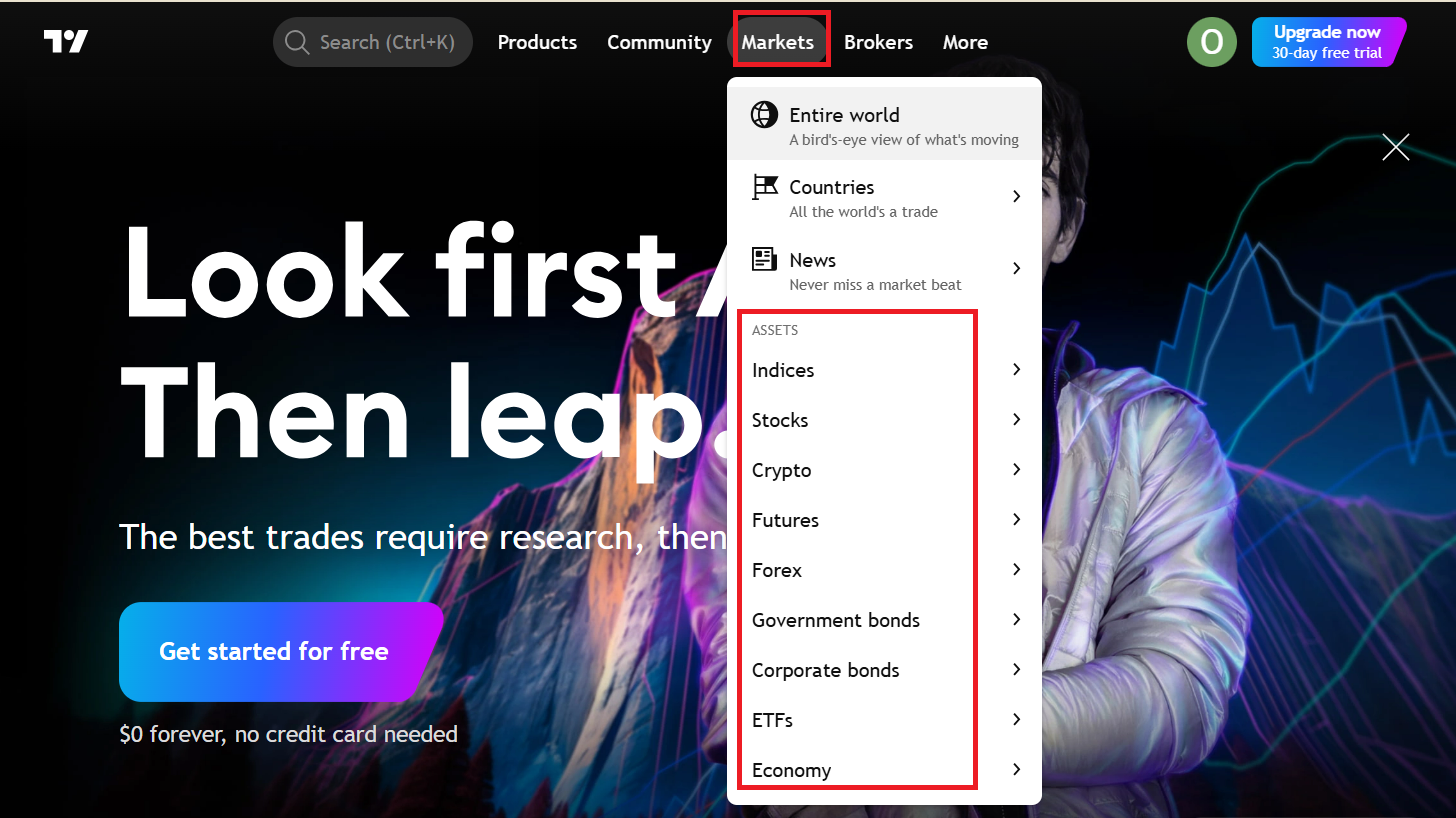
Step 2: Select The Market You Want To Trade

Click on "Markets" and then look for the instrument you want to trade with on the demo account.

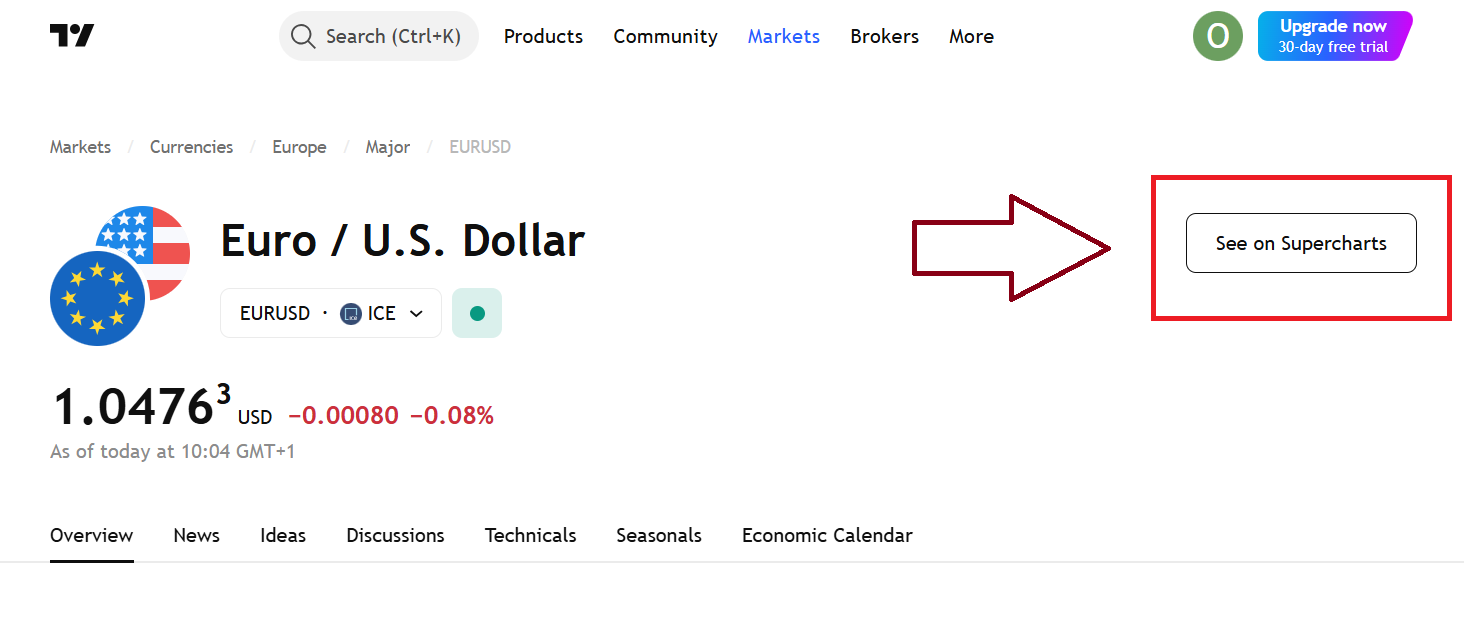
Step 3: Switch to "Super Charts"

After selecting the instrument you want to trade, click on the "See on Super Charts" button. On TradingView, supercharts are more loaded and advanced than the normal charts that greet you on the homepage.

Quoted - arthur_wildberry

Step 3: Switch to "Super Charts"

After selecting the instrument you want to trade, click on the "See on Super Charts" button. On TradingView, supercharts are more loaded and advanced than the normal charts that greet you on the homepage.

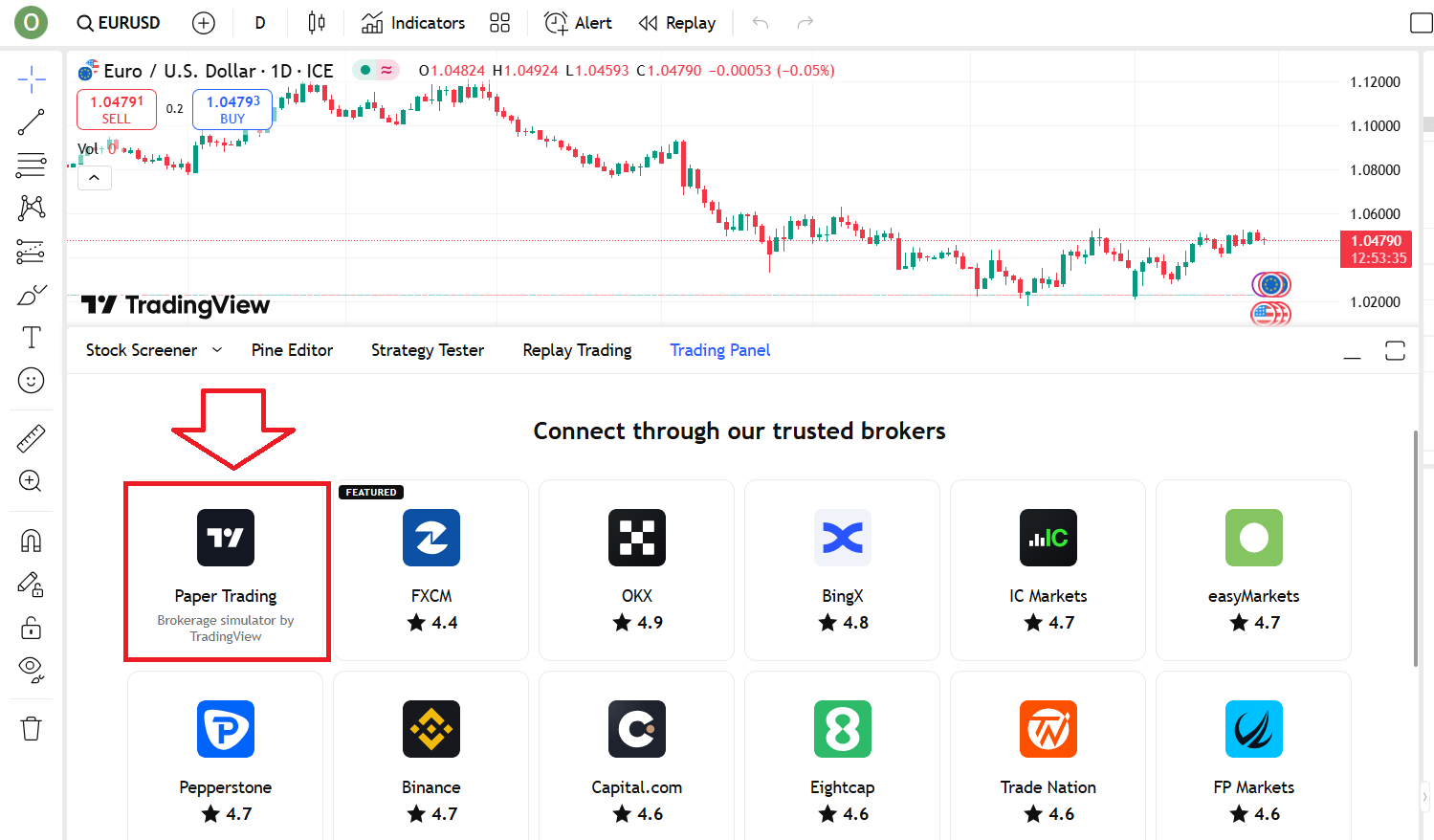
Step 4: Select Paper Trading

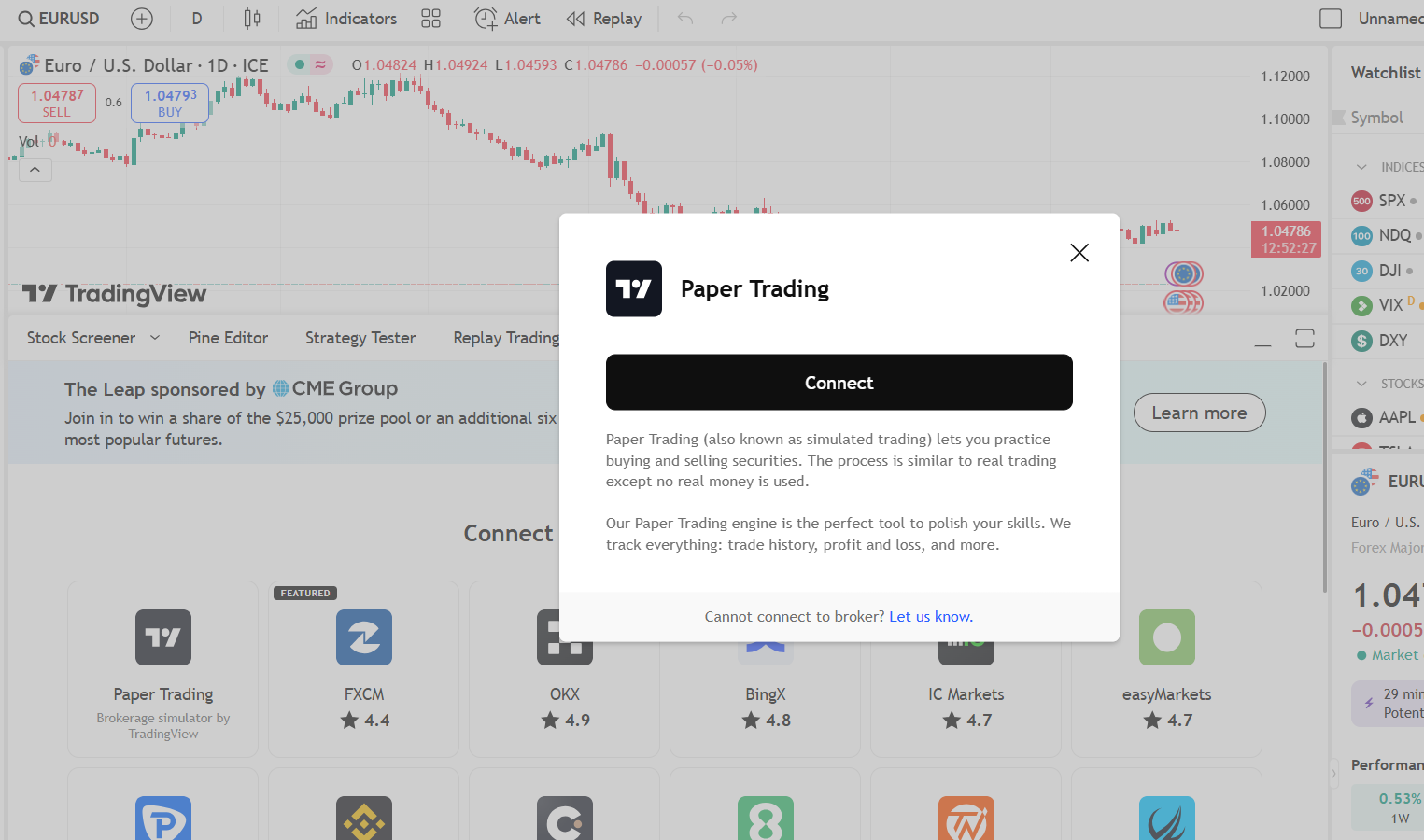
After you click on the instrument you want to trade and switch to supercharts, scroll down to the "connect through our trusted brokers" section and click on "Paper Trading". Proceed by clicking on the "connect" button that will popup and you are good to go.

S
@segun_33 - 1 year ago
Quoted - dipuo_kefilwe

Just want to add that you cannot trade every instrument on the TradingView demo account for example DE40 Indices cannot be traded on the demo.

Nice one Mr. Arthur but does TradingView also have a mobile and desktop app or is it just the web platform that is available?

K
@koms55 - 1 week ago

Go to the tradingview website and create a profile, then login with it. After that, choose the instrument you want to trade so it takes you to the charting screen, scroll down and click on menu, then select broker then choose "paper trading"